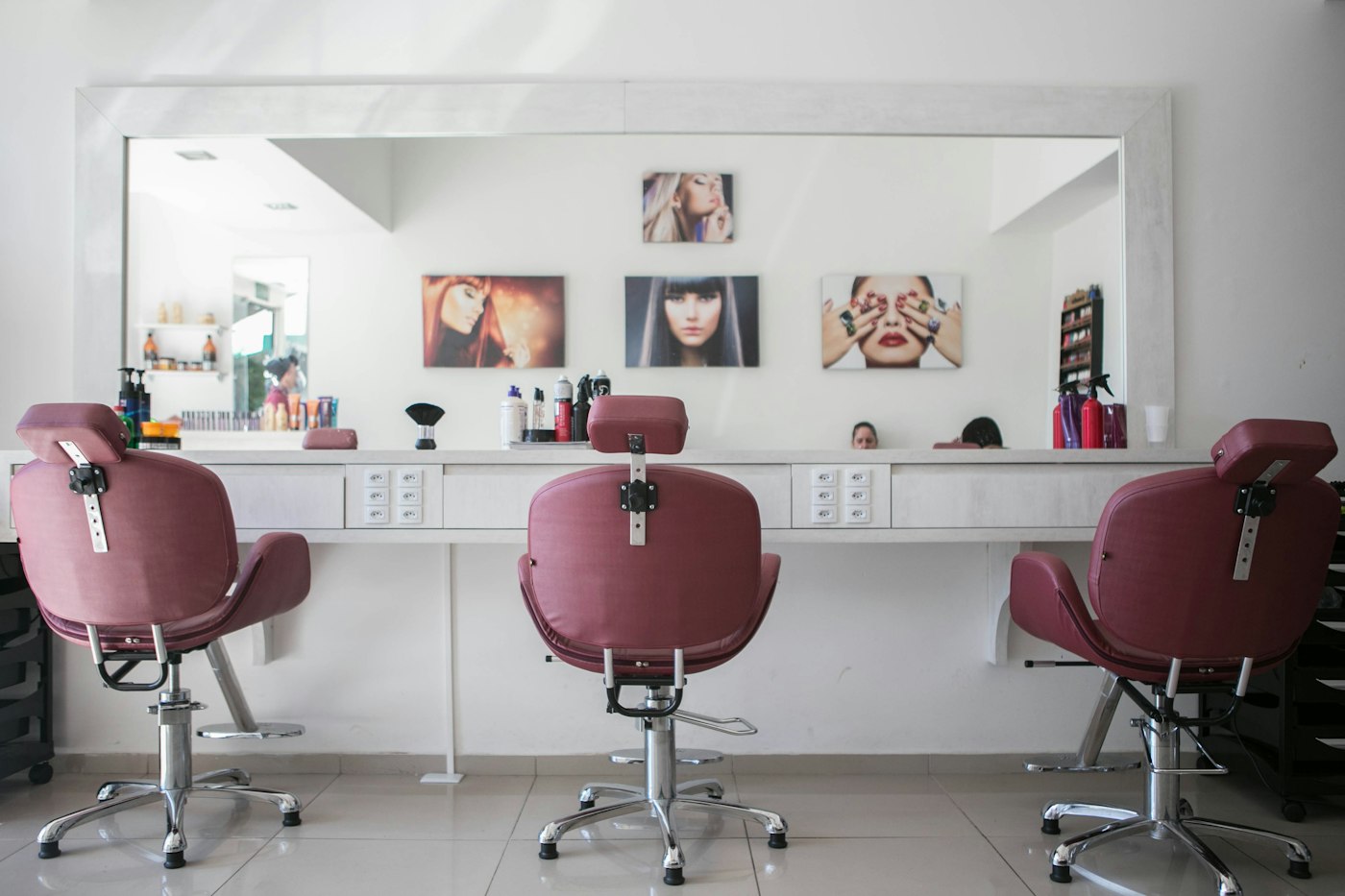
For aesthetics clinics, treatment room management isn't just about scheduling—it's about safety, efficiency, and revenue. Poor room management leads to double-bookings, idle practitioners, underutilised space, and ultimately, lost income.
Why Treatment Room Management Matters
Each treatment room is a revenue-generating asset. Whether you have 2 rooms or 20, maximising their utilisation while maintaining safety is critical.
The Cost of Poor Management
Double-bookings: Two clients assigned to the same room = angry clients and liabilityIdle practitioners: Staff standing around because they don't know which room is freeWasted space: Rooms sit empty because scheduling is unclearCross-contamination risks: Rooms not properly cleaned between clientsCancellation chaos: No clear process for reallocating clients when someone cancelsThe Four Pillars of Effective Room Management
1. Visual Room Status System
Use colour coding to show room status at a glance:
Green: Available and readyBlue: Currently in useYellow: Being cleaned/preparedRed: Out of service (maintenance)This simple system prevents the "Is this room free?" question and keeps your team moving efficiently.
2. Linked Treatment Protocols
Not every treatment can happen in every room. Assign treatments to specific rooms:
Room 1: Injectable treatments (controlled environment, sterile setup)Room 2: Laser treatments (requires specific equipment)Room 3: Consultation and minor treatmentsWhen staff book a treatment, the system automatically assigns the correct room. No confusion, no overbooking.
3. Automated Cleaning & Turnover Times
Between clients, rooms need cleaning time. Build this into your scheduling:
Standard treatment to standard treatment: 15 minutesLaser to injectable: 20 minutes (equipment changeover)High-risk procedures: 30 minutes (deep clean)The system should automatically block time for cleaning, so rooms can't be double-booked.
4. Contingency & Cancellation Protocols
When someone cancels:
Automatically flag the now-available room slotNotify practitioners of gaps they can fillOffer the slot to clients on a waitlistTrack cancellation patterns to improve planningRoom Utilisation Targets
Track these metrics weekly:
Utilisation rate: (Booked hours ÷ Available hours) × 100Target: 70-80% is ideal (allows flexibility, maintenance, breaks)Below 50%: Underutilised; review pricing and marketingAbove 90%: Risk of burnout and errors; add capacityTurnover time: Average time between one client leaving and the next arrivingTarget: 10-15 minutes (includes cleaning and prep)Below 10 minutes: Risk of incomplete cleaning and infection control issuesAbove 20 minutes: Revenue leakageMulti-Location Complexities
If you operate multiple clinics, room management becomes even more critical:
Central booking system: View all rooms across all locations in one placeStaff assignment: Match practitioners to available roomsEquipment tracking: Know which specialised equipment is in which roomPerformance reporting: Compare utilisation across locationsTechnology Solutions
Modern clinic management software handles all of this automatically:
Visual room status dashboardsAutomatic treatment-to-room assignmentCleaning and turnover time managementWaitlist notificationsCancellation and contingency trackingMulti-location reportingThis eliminates manual scheduling chaos and prevents the costly errors that come with spreadsheets.
Implementation Steps
Month 1: Audit
Document your current room layout and capacityTrack utilisation rates for a full monthIdentify bottlenecks and common issuesMonth 2: Standardise
Define cleaning and turnover time standardsAssign treatments to specific roomsCreate a colour-coding system for statusMonth 3: Implement Technology
Set up a room management systemTrain staff on new processesMonitor metrics and refineMonth 4+: Optimise
Analyse utilisation dataAdjust room capacity and scheduling rulesContinuously improve efficiencyThe Revenue Impact
Let's say you have 3 treatment rooms, each available 40 hours per week:
Total available hours: 120 per weekCurrent utilisation: 60% = 72 booked hoursTarget utilisation: 75% = 90 booked hoursAdditional hours captured: 18 hours per weekAt £150 per treatment hour, that's an extra £2,700 per week, or £140,400 per year from better room management alone.
The Bottom Line
Treatment room management isn't glamorous, but it's one of the highest-ROI operational improvements you can make. By implementing visual systems, clear protocols, and technology support, you'll:
Eliminate double-bookings and errorsImprove staff efficiencyMaximise room utilisationCapture previously lost revenueEnhance client experience through less waitingStart with visual status tracking this week. Add automation next month. Watch your revenue grow.